Free AI Hook Generator by Mailmodo
No more writer’s block. Use Mailmodo AI to generate hooks in seconds.
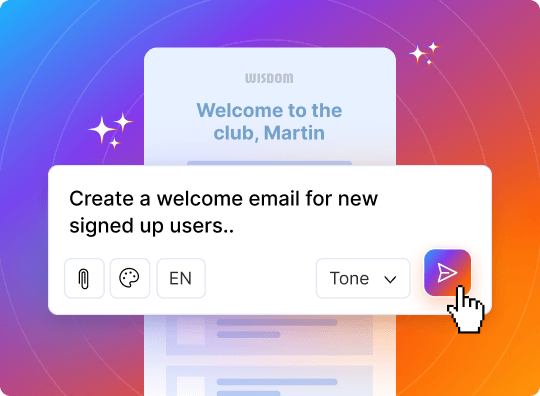
From idea to email in 1 click
Use our AI email template generator to craft campaigns instantly.
Try nowShare this tool


Get 3X email conversion with Mailmodo
- Create & send interactive emails without coding
- Put revenue on auto-pilot with pre-built journeys
- Save time with AI-powered email content creation
Experience world’s only interactive email marketing platform
Try Mailmodo for freeTrusted by 10000+ brands


FAQ
Frequently asked questions
Quick answers before you get started.
Is there an AI that can write emails for you?
Yes, AI email writers are easy to find. These tools can be part of email platforms or work as separate apps. They can write full emails or suggest ways to improve your writing. This helps you be more efficient and helps you write emails faster.
How to use AI email writer?
AI email writers are easy to use. You just need to enter a few details, like the subject, the recipient, and a short outline of your message. The AI tool will create a draft for you. After that, you can look it over and make any changes you want.
What are some best free AI email writers?
Several free AI email writers show how strong AI can be. Free plans usually have limits on how much you can use or what features are available. Popular choices include Mailmodo, which has a free AI email writing tool.
Is there a limit to the number of emails I can generate?
The number of emails you can create depends on the AI email writer you select. Some plans let you create a few free emails each month. However, premium plans usually give you more access. But Mailmodo's AI email writer is absolutely free.
What styles of email can I generate with an AI email generator?
AI email generators are great at changing their style for different types of emails. If you need a formal business email, a casual note to a friend, or a convincing marketing email, this tool can change the tone and style to match what you want.
How do I know which tone, style, or theme to choose for my email?
Think about who will read your email and why you are sending it. A formal tone is best for professional messages. A casual style is good for personal emails. Choose the right way to write based on what you want to achieve and who you are writing to.
What information should I include in my prompt?
Provide clear and simple information in your prompts. This should include the subject line, the key points you want to share, and the tone you wish to use. The more detail you provide, the better and more accurate the AI's output will be.
What's the difference between AI email writers and AI email assistants?
AI email writers create full email drafts or suggest content. In contrast, AI email assistants have more features. They help with scheduling, reminders, and managing your inbox. This means they do more than just writing tasks.
Built with ♥ by Mailmodo
Mailmodo is an all-in-one email marketing solution that boosts conversion with interactive emails and the power of AI.
With Mailmodo AI, you can
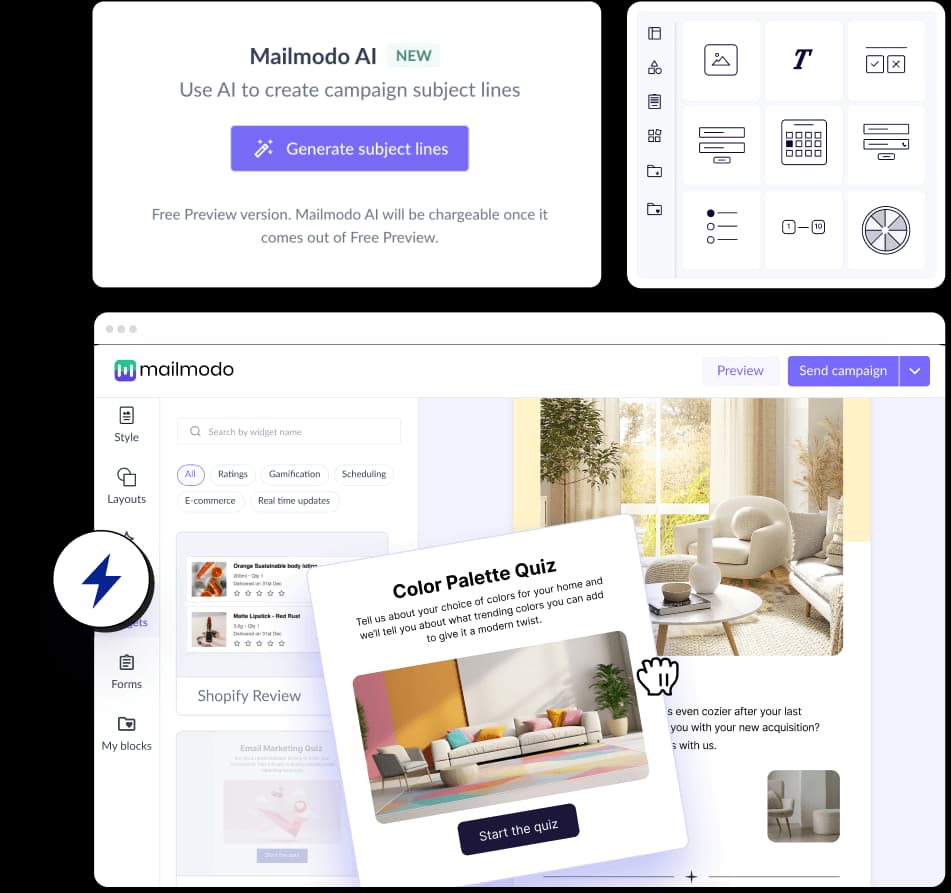
- Generate subject lines and preheader in seconds
- Write engaging email copy with one click
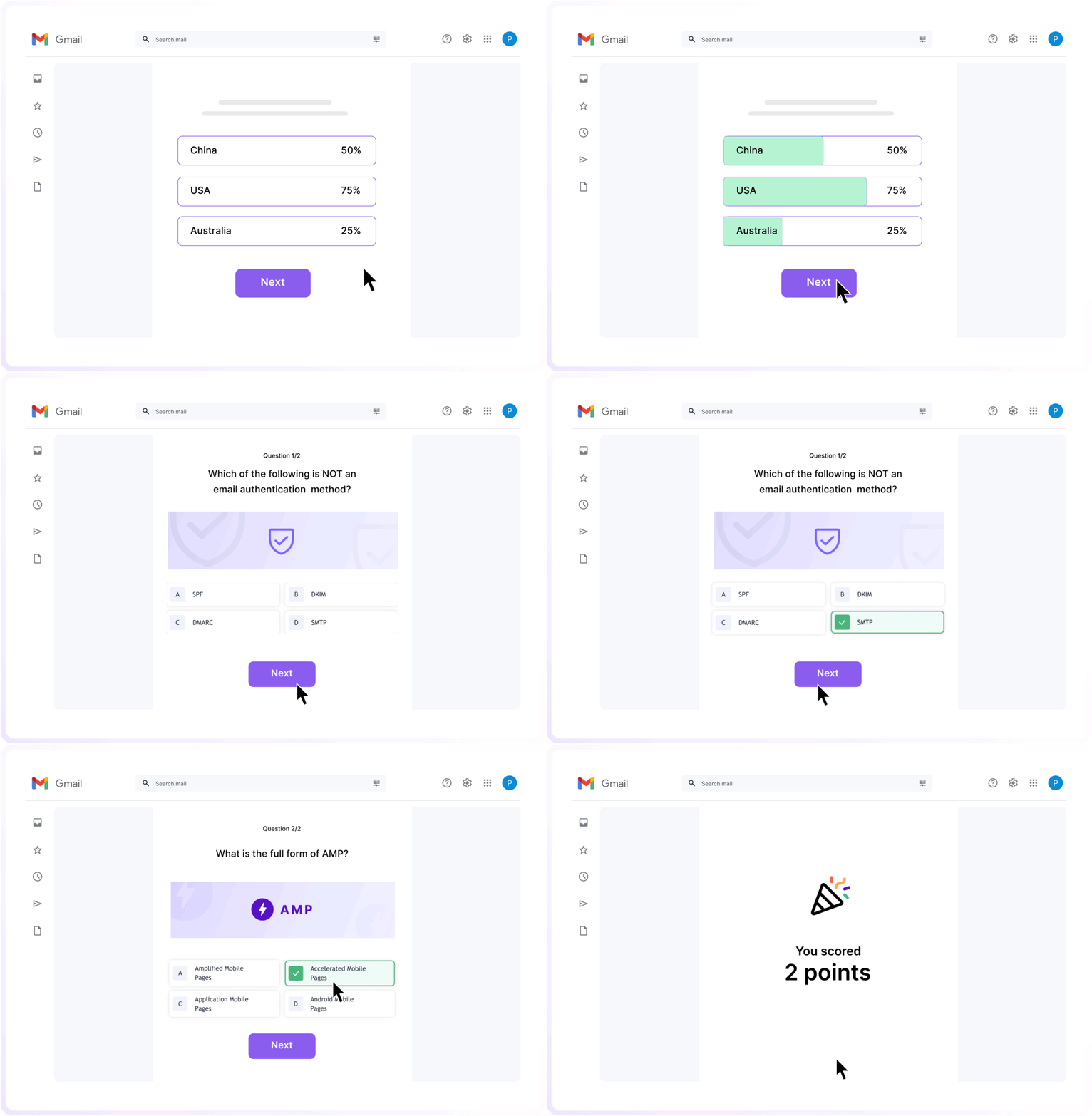
- Create interactive emails that lets you add calendars, calculators, and forms inside emails